

The conversation about artificial intelligence in 2026 has moved far beyond “which chatbot is best.” While large language models like ChatGPT, Claude, and Gemini dominate headlines, a parallel revolution is happening in specialized AI tools for creative and technical work. According to Gartner’s 2026 Creative Tech Report, over 68% of digital professionals now use at least one specialized AI tool for images, video, audio, or code, reporting average productivity gains of 3.8 hours per week.
Relying solely on a text-based chatbot for all AI needs is like using a Swiss Army knife to build a house—possible, but far from optimal. This guide maps the 2026 landscape of specialized AI, helping you select the right tool for images, video, audio, and code to build a professional, efficient creative stack.
The Specialized AI Revolution: Why “Best-in-Class” Beats “All-in-One”
Multimodal chatbots are impressive, but they are generalists. For professional-grade output, specialized tools offer superior control, quality, and features tailored to specific domains. They are engineered with unique architectures—like diffusion models for images or code-specific transformers—that general-purpose models can’t match in their niche.
The strategic shift for power users in 2026 is orchestration: using the best specialized tool for each task and connecting them into a seamless workflow, rather than depending on a single AI to do everything.
The 2026 AI Toolbox: A Category-by-Category Breakdown
1. AI for Image Generation & Design
This category has evolved from simple text-to-image to controlled, commercial-ready asset creation.
- Midjourney: Still the king of artistic quality and “wow” factor. Its strength lies in stunning, conceptually rich images perfect for marketing, concept art, and mood boards. Its consistent style and vibrant aesthetics are industry favorites.
- DALL-E 3 (via ChatGPT Plus): The champion of prompt adherence and integration. It excels at accurately rendering complex, detailed descriptions and is seamlessly woven into the OpenAI ecosystem, making it ideal for iterative design within a chat interface.
- Stable Diffusion & ComfyUI: The powerhouse of control, customization, and cost. As an open-source model, it offers unparalleled control through fine-tuned models, LoRAs (Low-Rank Adaptations), and node-based workflows in ComfyUI. It’s the choice for studios and enthusiasts who need specific, repeatable styles and own their pipeline. For a deep dive into setting up this powerful tool, see our guide on How to Install Stable Diffusion Locally.
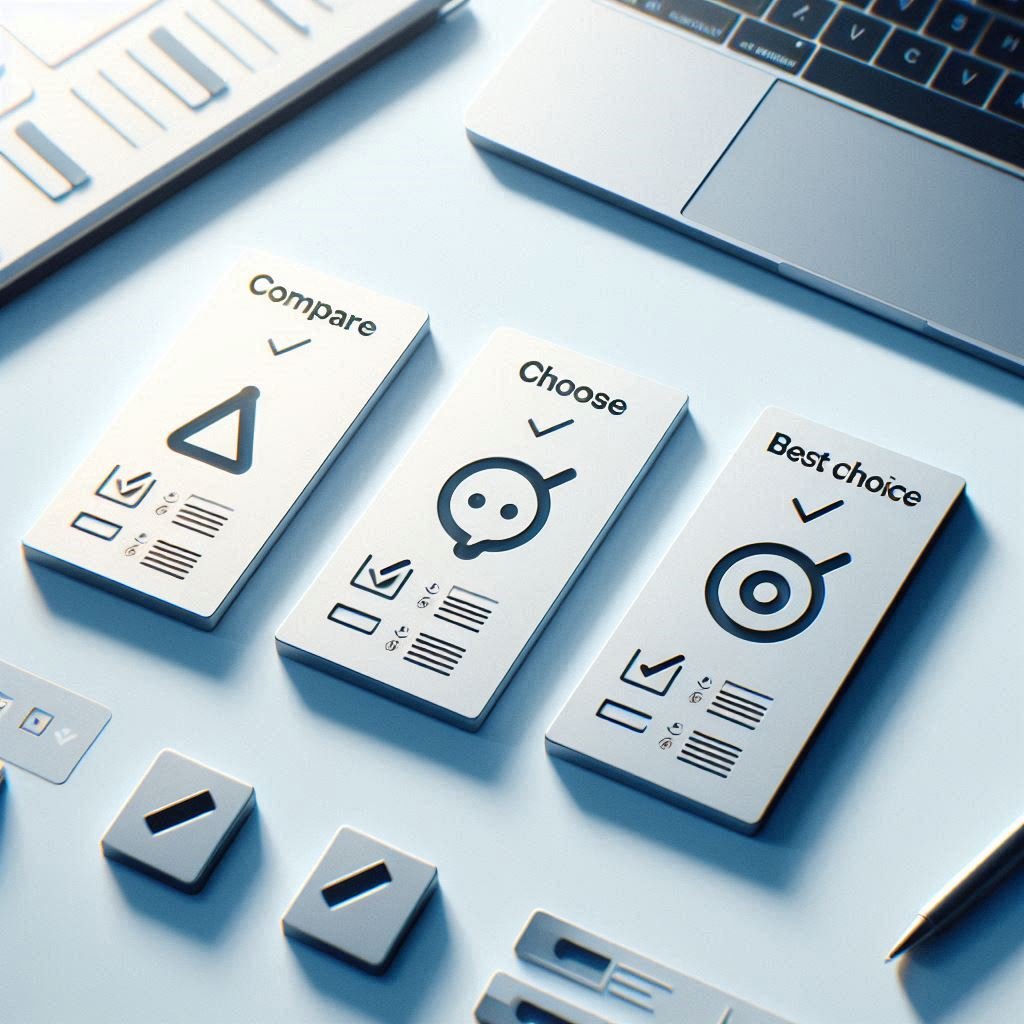
Quick Decision Guide:
- Choose Midjourney for effortless, beautiful art.
- Choose DALL-E 3 for precise text-to-image and ChatGPT synergy.
- Choose Stable Diffusion for total control, custom models, and local processing.
2. AI for Video Creation & Editing
AI video has moved from niche experiments to a core part of the content pipeline.
- Runway ML: The professional suite. A comprehensive platform offering Gen-2 for text/video-to-video, motion brushes, and green screen removal. It’s the industry standard for artists and filmmakers seeking high-fidelity, controllable results.
- Pika Labs: The master of accessibility and style. Known for its user-friendly interface and strong, consistent artistic styles (anime, 3D animation), Pika makes high-quality video generation remarkably straightforward.
- HeyGen: The leader in AI avatars and voice cloning. It specializes in creating realistic talking-head videos from text or audio, revolutionizing corporate training, marketing, and personalized communication at scale.
Quick Decision Guide:
- Choose Runway for professional, feature-rich video generation and editing.
- Choose Pika for easy, stylistically strong video creation.
- Choose HeyGen for creating presenter or spokesperson videos.
3. AI for Audio Synthesis & Music
AI audio tools provide voices and soundscapes that are increasingly indistinguishable from human creations.
- ElevenLabs: The gold standard for realistic text-to-speech and voice cloning. Its voices carry remarkable emotional nuance and clarity, making it the top choice for audiobooks, video narration, and dynamic character voices. It’s a cornerstone tool in any comprehensive Complete AI Workflow Under $50/Month.
- Mubert: The expert in royalty-free AI-generated music. Perfect for content creators, it generates unique, mood-based tracks in seconds for YouTube videos, podcasts, and apps without licensing headaches.
- Adobe Podcast AI (Beta): The emerging tool for professional-grade audio enhancement. It dramatically cleans up poor-quality recordings, removing background noise and improving vocal clarity with almost magical efficacy.
Quick Decision Guide:
- Choose ElevenLabs for world-class synthetic voices.
- Choose Mubert for instant, licensable background music.
- Choose Adobe Podcast AI for fixing and enhancing recorded audio.
4. AI for Code Generation & Development
AI coding assistants have become indispensable pair programmers, integrated directly into the developer environment.
- GitHub Copilot: The ubiquitous leader. Deeply integrated into VS Code and JetBrains IDEs, it feels like a natural extension of your thoughts, suggesting entire lines and functions based on context and comments.
- Replit AI (Ghostwriter): The all-in-one cloud companion. Built into the Replit online IDE, it not only writes and explains code but also helps debug and deploy, offering a fully AI-assisted development cycle in the browser.
- Tabnine: The privacy-focused alternative. Offers similar code completion to Copilot but can be run fully on-premise, making it the preferred choice for enterprises and developers with strict data security requirements.
Quick Decision Guide:
- Choose GitHub Copilot for seamless integration in popular desktop IDEs.
- Choose Replit AI for a powerful, browser-based coding environment.
- Choose Tabnine for on-premise deployment and data privacy.
Building Your Professional AI Stack: Sample Setups
Your ideal combination depends on your role. Here are efficient 2026 stacks:
- For the Content Creator/Marketer: DALL-E 3 (images) + Pika / CapCut AI (video) + ElevenLabs (voiceover) + ChatGPT Plus (copy).
- For the Indie Developer: GitHub Copilot (code) + Stable Diffusion (app visuals/icons) + Claude (documentation).
- For the Creative Agency: Midjourney (concepts) + Runway (final video) + Adobe Podcast AI (audio) + Perplexity Pro (research).
The Future: Specialization vs. Consolidation
The trend is bifurcating. On one path, we see ever-more-powerful specialized tools (like the ones above). On the other, giants like Google and OpenAI are pushing multimodal models (like Gemini 2.0) that aim to be competent at many tasks. The professional consensus for 2026, however, leans toward specialization for quality and control, using multimodal AIs for brainstorming and orchestration.
The future belongs to those who can strategically assemble and direct a team of specialized AI tools. By moving beyond the chatbot and mastering this expanded toolbox, you unlock professional-grade capabilities that generic AI assistants can only hint at, future-proofing your skills and supercharging your creative output.
Curious about how these specialized tools compare to their free alternatives? Explore our analysis of the 7 Free AI Tools That Beat Paid Software to maximize your budget. For foundational knowledge on the most popular chatbot, our What is ChatGPT? Beginner Guide provides the perfect starting point.

Logix Editorial Team publishes practical guides on AI tools, tech workflows, and digital productivity. We test tools, update articles regularly, and aim to explain complex topics in simple, actionable steps.






No Comments